

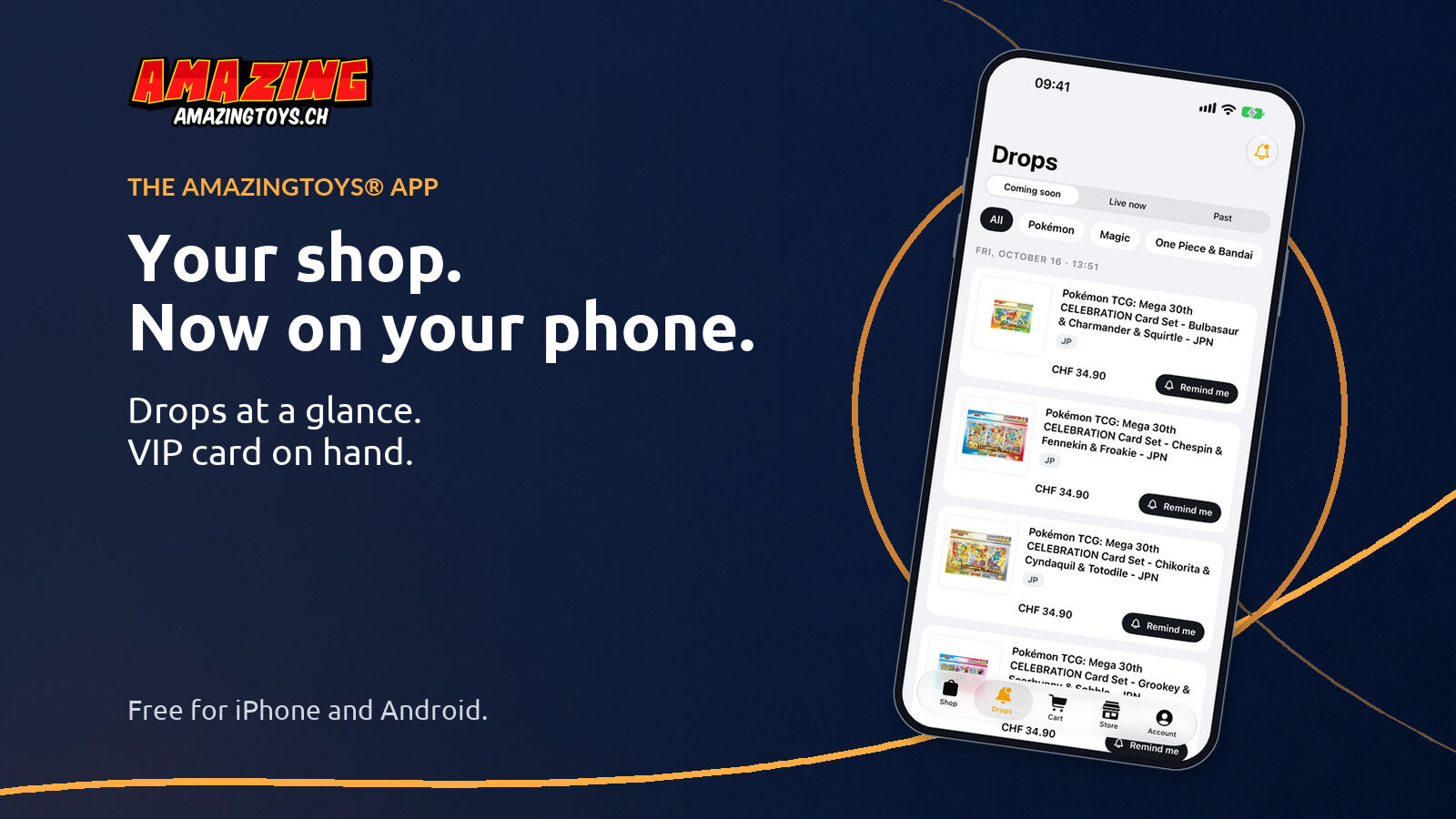
The AMAZINGTOYS® app is here: drops, shop and VIP card
 AMAZINGTOYS® TeamLast updated: 14 October 2026 approx. 3 min read
Follow upcoming drops, browse our trading card shop and access your VIP card as a signed-in VIP member. The AMAZINGTOYS® app is free for iPhone and Android in Switzerland. Here’s what it can do and how to set up the key features.
Free for iPhone and Android


The most important points first:
- The app is free and available for iPhone and Android in Switzerland.
- In the Drops tab you can see upcoming pre-orders and use ‘Remind me’ to get a notification when they open.
- You choose notifications by game and switch ‘Promotions and new arrivals’ on or off separately.
- Signed-in VIP members can open their VIP card with its QR code right in the app.
- The Store tab shows the opening hours and directions to the AMAZINGTOYS® Store.
What the app offers
At the bottom of the app you’ll find five tabs: Shop, Drops, Cart, Store and Account. You can browse, check the drops and see the store info without signing in. To place an order, you need an amazingtoys.ch customer account, which you sign in to on the Account tab. Your VIP card appears when you’re signed in to your VIP customer account.
Drops: how to set up a reminder
The Drops tab lists announced pre-orders. Switch between ‘Coming soon’, ‘Live now’ and ‘Past’, then filter by game, such as Pokémon or Magic. To set a reminder:
- Open the Drops tab and select ‘Coming soon’.
- Tap ‘Remind me’ next to the item you want.
- Allow notifications if the app asks you to.
- The button now shows ‘On’ (‘Active’ on Android). Your reminder is set.
When the pre-order opens, you’ll get a notification; you then order in the shop as usual while the item is available. ‘Live now’ shows what you can pre-order right now, and ‘Past’ lists releases from the last 14 days.
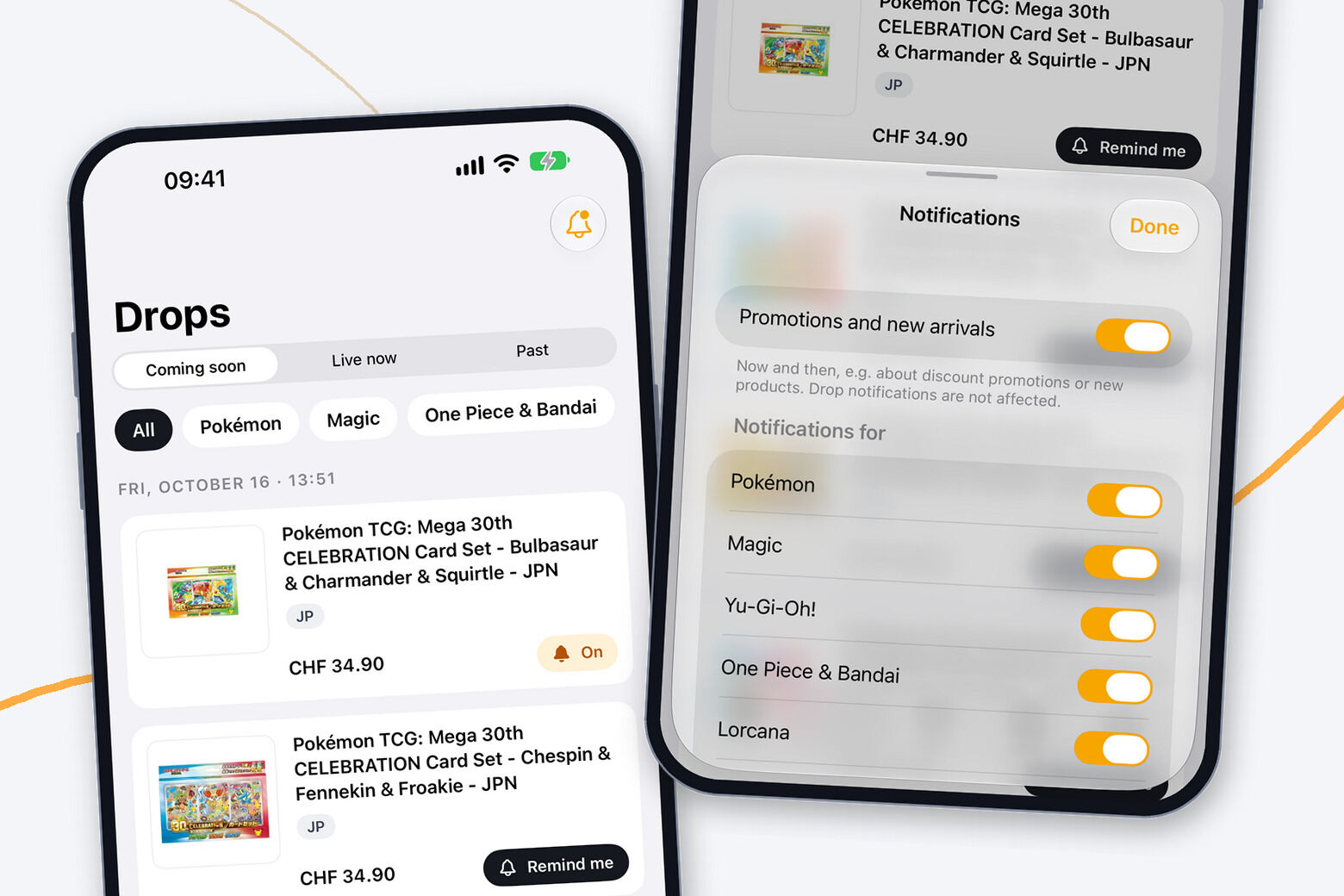
Notifications for your games
Tap the bell at the top right of the Drops tab to open ‘Notifications’. Under ‘Notifications for’ you choose the games you’d like to hear about when new pre-orders open. A reminder on a single item applies only to that drop.
The separate ‘Promotions and new arrivals’ switch covers occasional updates about promotions and new products; drop notifications work independently of it. You’ll also find it in the app settings via the gear icon on the Account tab. Notifications also need to be allowed in your phone’s settings.
Browse, search and order
In the Shop tab you can browse the categories or search for a specific set, display or single card. The product page shows the price, availability and details, and you can add the item to your cart. In the Cart tab you check your selection and complete your order with your customer account, the same one you use on the website.
In the app settings, choose German, English, French or Italian for the shop.
Your VIP card in the app
If you’re a VIP member, sign in on the Account tab with your VIP customer account. ‘Show VIP card’ then appears there. The card shows your QR code and your points balance. Show the code at the checkout in the AMAZINGTOYS® Store and we’ll scan it for your points.
Open it once at home so you know where to find it on your next visit.
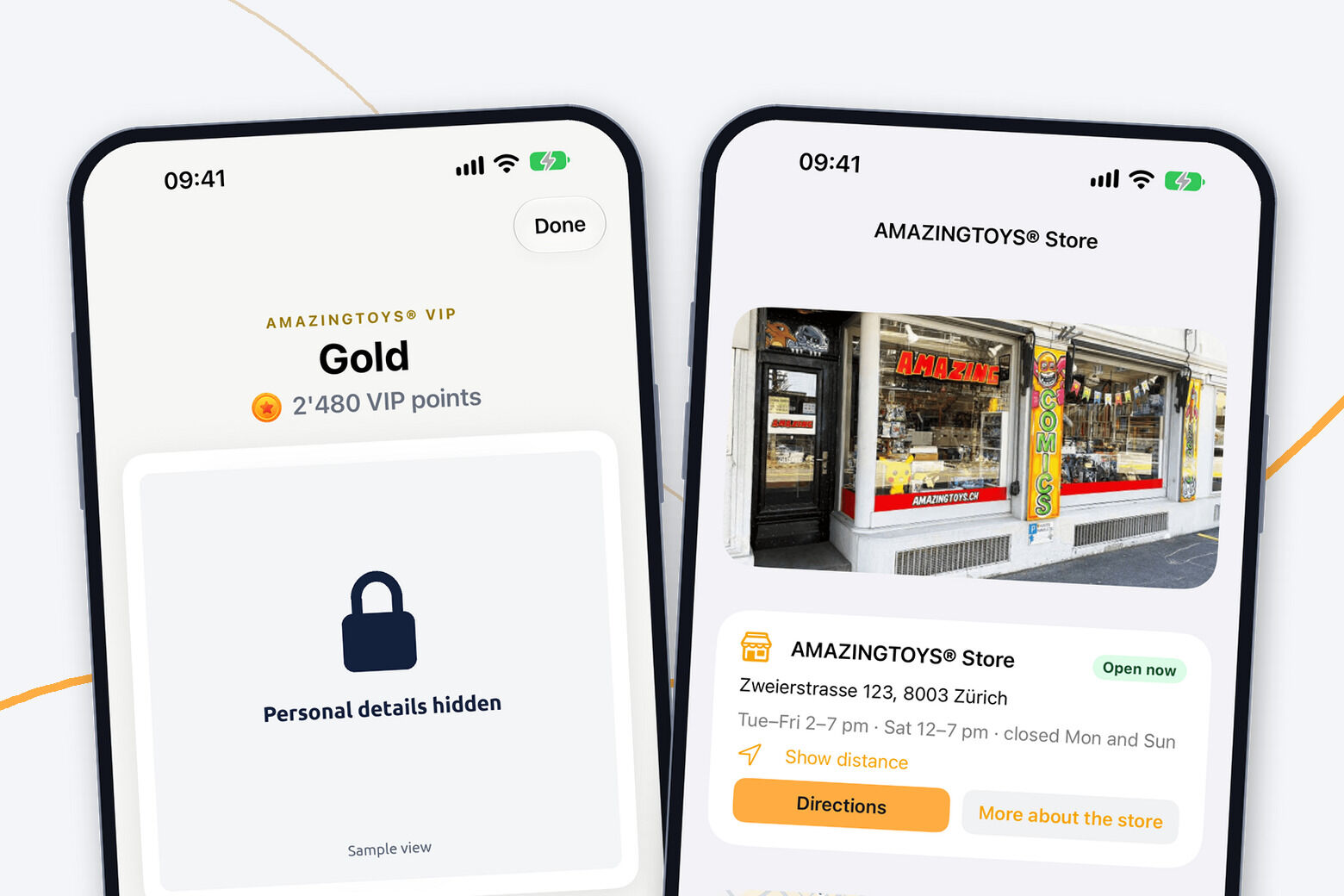
Visiting the AMAZINGTOYS® Store
The Store tab shows the opening hours and whether the AMAZINGTOYS® Store is open right now. Tap ‘Directions’ to start navigation to Zweierstrasse 123 in Zurich-Wiedikon. With ‘Show distance’ you can see how far away you are once you allow location access. ‘A look inside the store’ shows photos of the shop.
Frequently asked questions
The app is free. Product prices are shown on each item, as on the website.
For iPhone on the App Store and for Android on Google Play, in Switzerland.
You can browse, check the drops and see the store info without signing in. To place an order, you need a customer account. Your VIP card appears when you’re signed in to your VIP customer account.
The reminder lets you know when the pre-order opens. You can then order in the shop while the item is available.
Via the bell on the Drops tab or in the app settings on the Account tab. Whether your phone allows notifications at all is set in its own settings.
Get the AMAZINGTOYS® app now
Download the app for free and tap ‘Remind me’ on your next drop. As a signed-in VIP member, you can also access your VIP card for your next visit to the AMAZINGTOYS® Store.
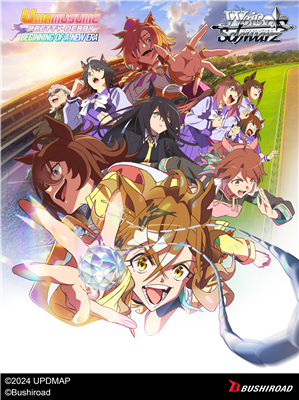
Umamusume: Pretty Derby - Beginning of a New Era, the first movie adaptation of the hit multi-media franchise Umamusume, hits the stage of Weiß Schwarz! ■Featuring 8 cards with new original illustrations! - Jungle Pocket - Agnes Tachyon - Manhattan Cafe - Dantsu Flame - T.M. Opera O - Fuji
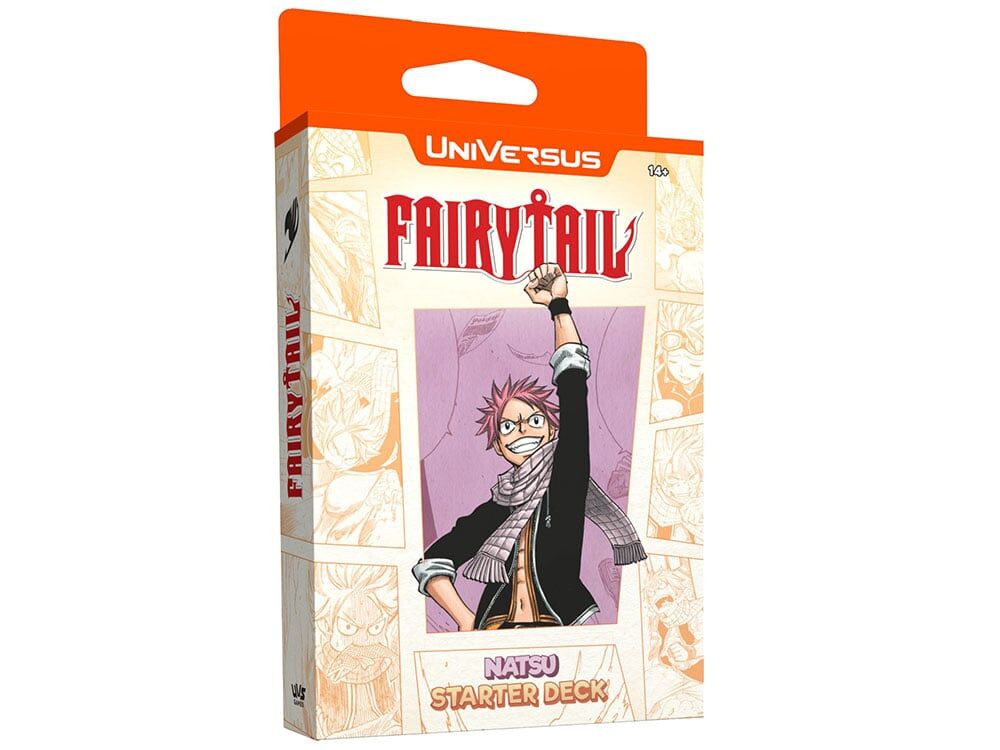
All Fired Up! Get started with UniVersus with these 60-card starter decks, featuring a paper playmat with a Quick Start Guide on the back. Choose Natsu or Gray and start playing UniVersus right out of the box! Each Starter Deck is a ready-to-play 60
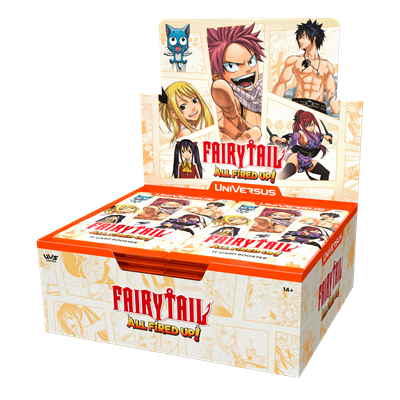
All Fired Up! The FAIRY TAIL All Fired Up! Booster Set brings 15 new characters to UniVersus. The set introduces multiple new mechanics to UniVersus with a card pool of over 180 cards. All Fired Up! The FAIRY TAIL All Fired Up! Booster Set brings 15 new characters to UniVersus. The set introduces
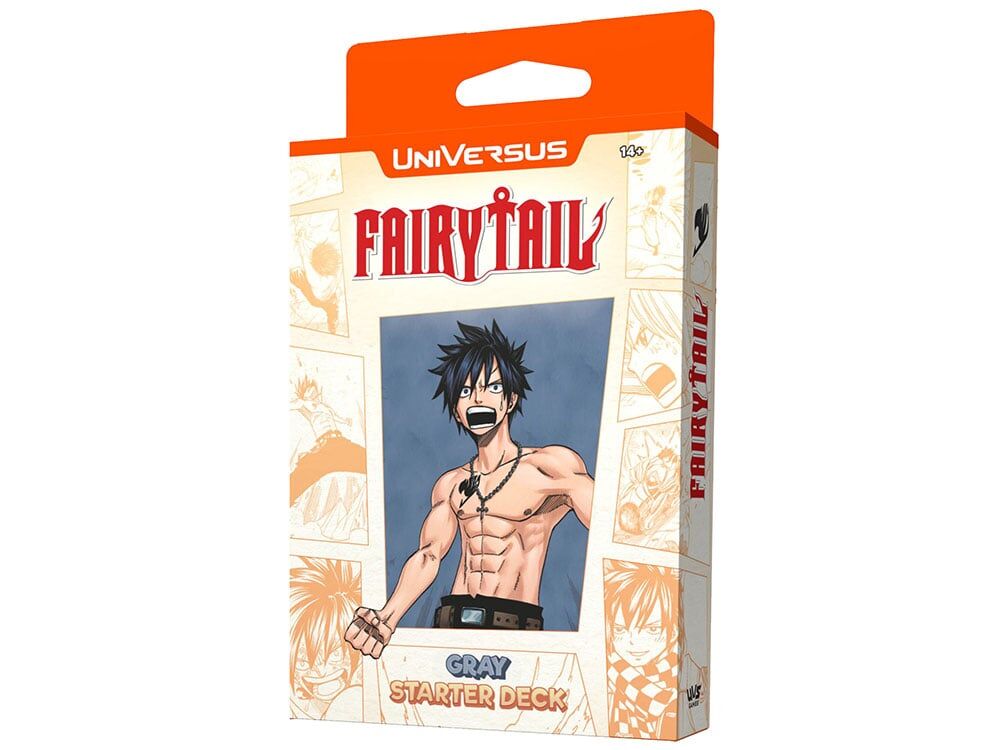
All Fired Up! Get started with UniVersus with these 60-card starter decks, featuring a paper playmat with a Quick Start Guide on the back. Choose Natsu or Gray and start playing UniVersus right out of the box! This assorted display contains 8 starter decks. Each Starter Deck is a ready-to-play 60
All Fired Up! The FAIRY TAIL All Fired Up! Booster Set brings 15 new characters to UniVersus. The set introduces multiple new mechanics to UniVersus with a card pool of over 180 cards. All Fired Up! The FAIRY TAIL All Fired Up! Booster Set brings 15 new characters to UniVersus. The set introduces
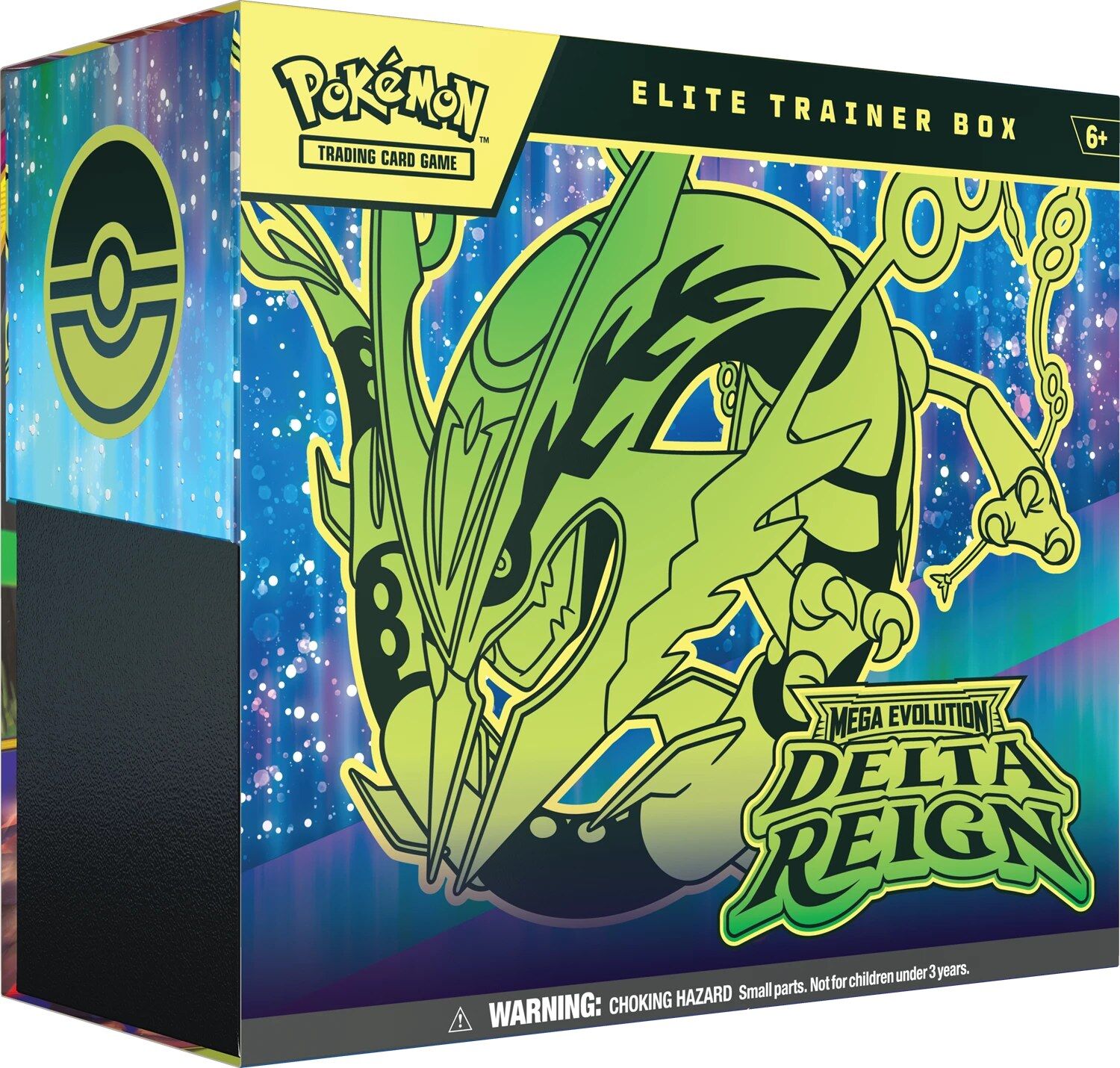
A Legendary Storm Is Stirring!A thunderous roar from above heralds the descent of a renowned ruler of the sky! Mega Rayquaza ex brings unparalleled strength to battle, inspiring Mega Golurk ex, Mega Malamar ex, and Mega Golisopod ex to come forth and put their own skills to the test. Prevailing winds lead to legendary places and emerald-colored storms in the Pokémon TCG: Mega Evolution—Delta Reign expansion!The Pokémon TCG: Mega Evolution—Delta Reign Elite Trainer Box includes:9 Pokémon TCG: Mega Evolution—Delta Reign booster packs1 full-art foil promo card featuring Kyogre65 card sleeves40 Pokémon TCG Energy cardsA player’s guide to the Mega Evolution—Delta Reign expansion6 damage-counter dice1 competition-legal coin-flip die1 plastic coinA collector’s box to hold everything, with 6 dividers to keep it organizedA code card for Pokémon Trading Card Game Live
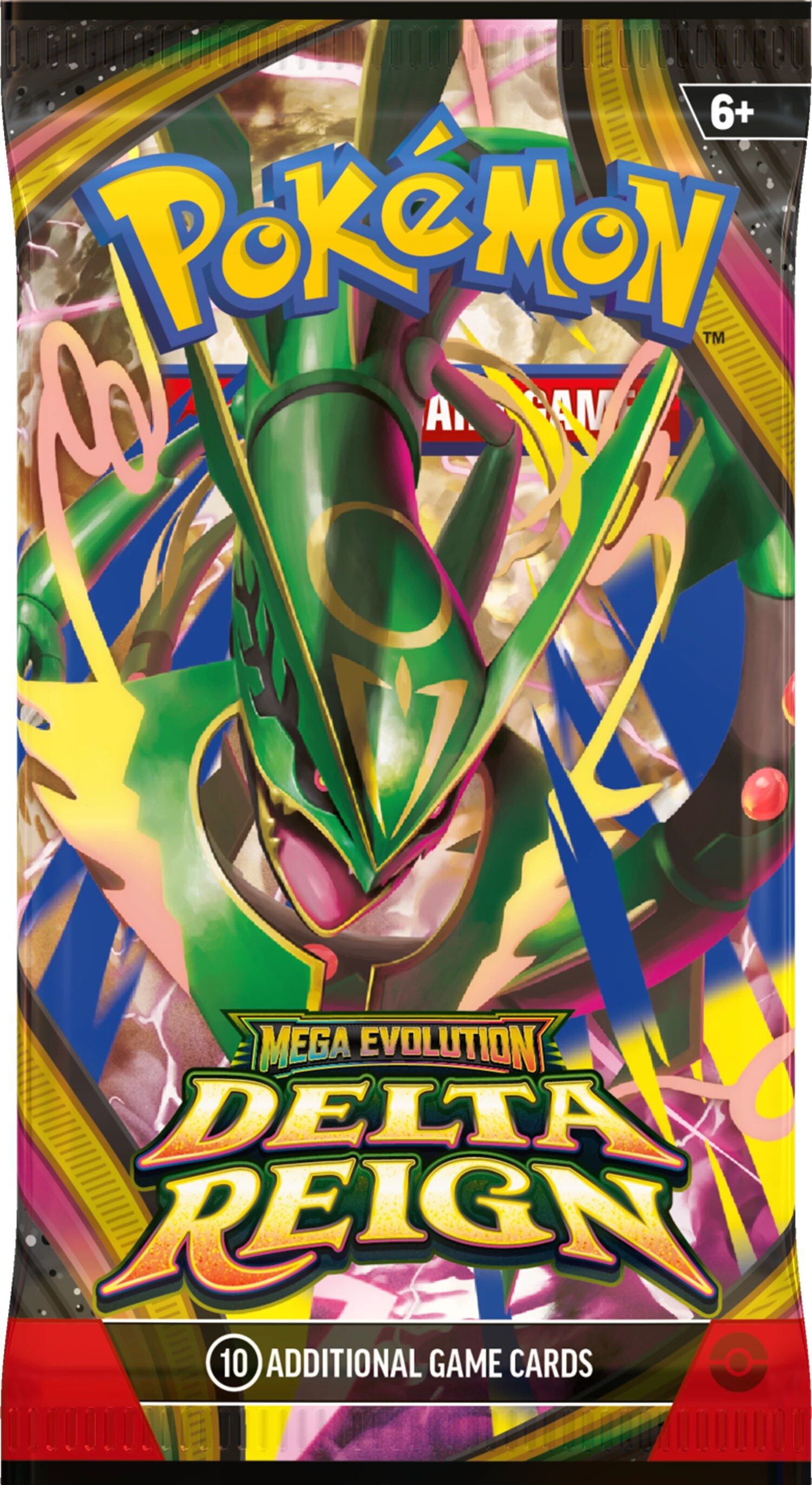
A thunderous roar from above heralds the descent of a renowned ruler of the sky! Mega Rayquaza ex brings unparallelled strength to battle, inspiring Mega Golurk ex, Mega Malamar ex, and Mega Golisopod ex to come forth and put their own skills to the test. Prevailing winds lead to legendary places and emerald-colored storms in the Pokémon TCG: Mega Evolution-Delta Reign expansion! Contents:1 Booster contains 10 cards
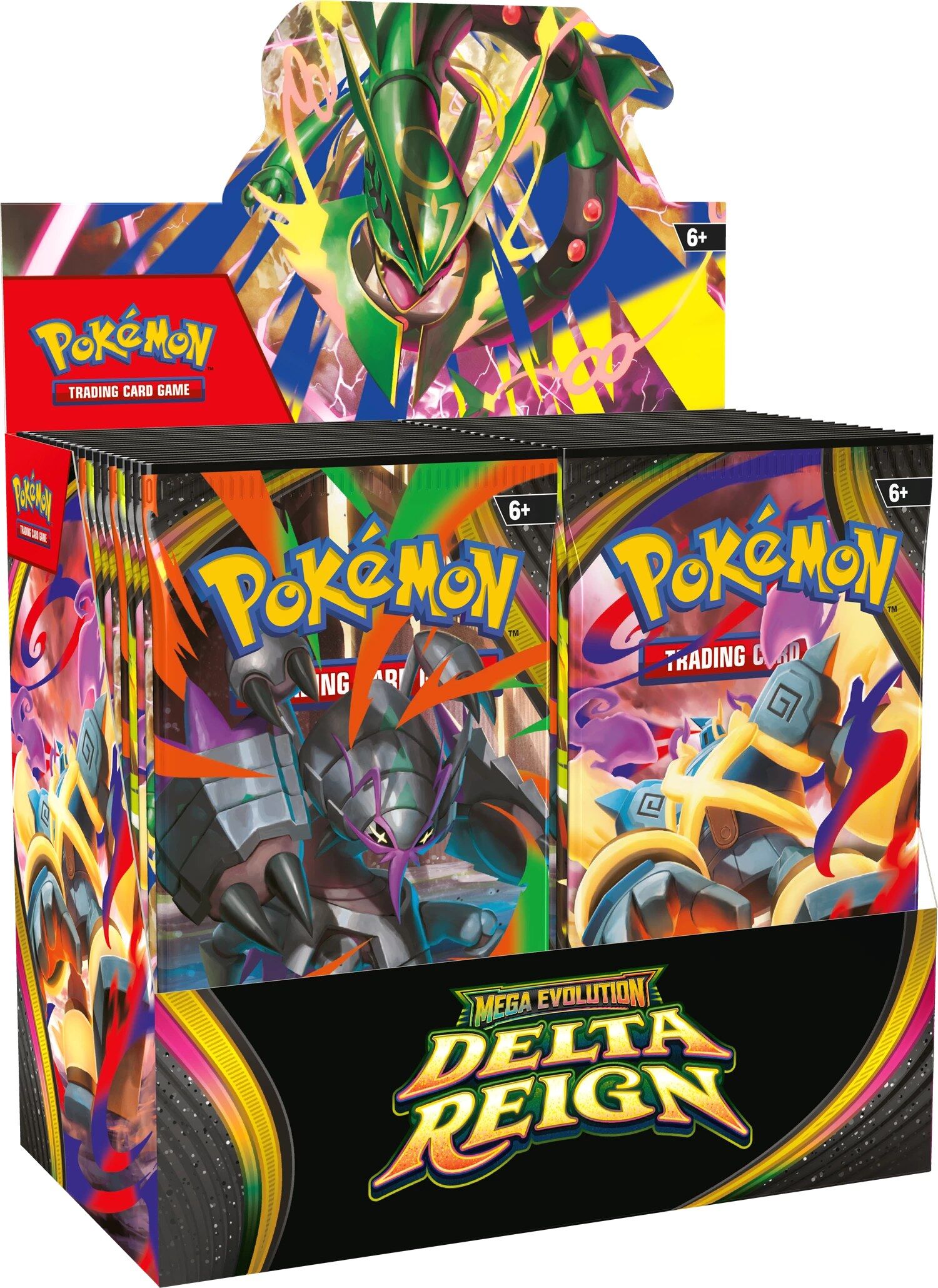
A thunderous roar from above heralds the descent of a renowned ruler of the sky! Mega Rayquaza ex brings unparallelled strength to battle, inspiring Mega Golurk ex, Mega Malamar ex, and Mega Golisopod ex to come forth and put their own skills to the test. Prevailing winds lead to legendary places and emerald-colored storms in the Pokémon TCG: Mega Evolution-Delta Reign expansion! Facts & Features:Over 135 cardsMore new Mega Evolution Pokémon exMore than 20 Trainer cardsMore than 35 Pokémon and Trainer cards with special illustrations Contents:1 Booster Display contains 36 Booster1 Booster contains 10 cards
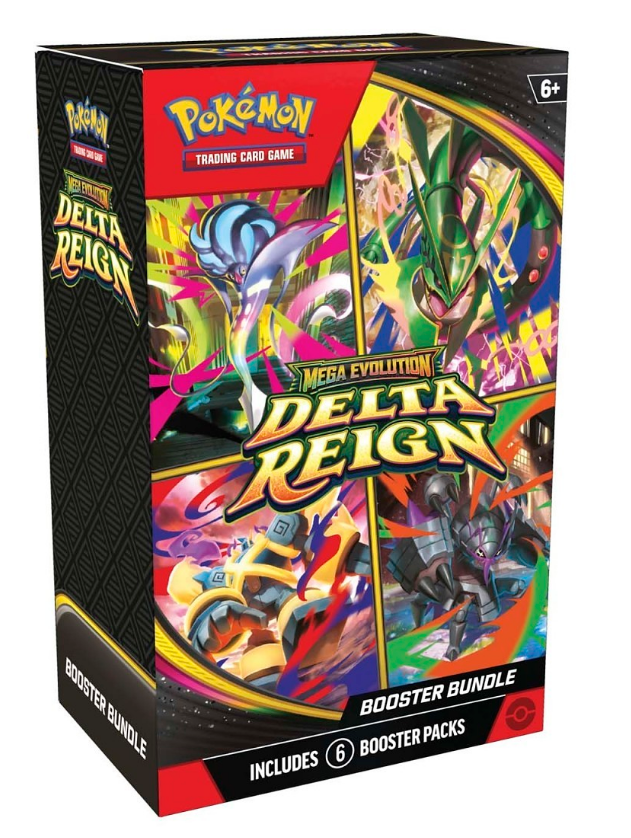
A Legendary Storm Is Stirring!A thunderous roar from above heralds the descent of a renowned ruler of the sky! Mega Rayquaza ex brings unparallelled strength to battle, inspiring Mega Golurk ex, Mega Malamar ex, and Mega Golisopod ex to come forth and put their own skills to the test. Prevailing winds lead to legendary places and emerald-colored storms in the Pokémon TCG: Mega Evolution—Delta Reign expansion!Includes six booster packs from the Pokémon TCG: Mega Evolution—Delta Reign expansionEach booster pack contains 10 cards, 1 Basic Energy, and 1 Pokémon TCG Live code card. Cards vary by pack. Packs may vary by product.
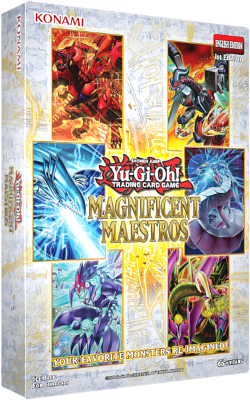
18 More Brand New ‘Reimagined’ Anime Cards! Blue-Eyes White Dragon, the White Phantom Beast / Deep-Eyes White Dragon, the Blue Abyss / The Guiding Flute of Summoning Dragons, inspired by Kaiba’s cards from the original Yu-Gi-Oh! series! Cyber End Dragon, the Final Strike Dragon / Cyber Dragon,
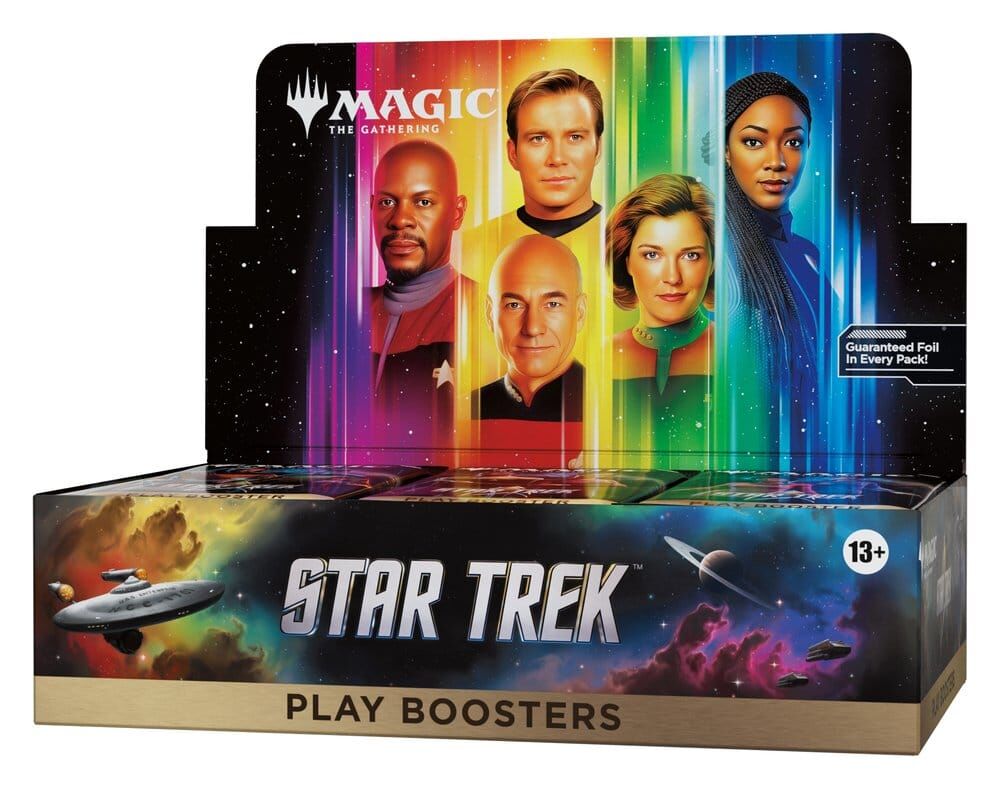
Magic the Gathering Star Trek Play-Booster Display (30) - EN Experience the adventures of the U.S.S. Enterprise with 30 Play Boosters full of Star Trek Magic cards. Highlights Contains 30 Play Boosters, each with 14 Magic: The Gathering cards Explore the Star Trek universe through play: crews, enemies and starships from every generation Perfect for building your own decks and playing with friends Encourages tactical decisions with moral and strategic challenges
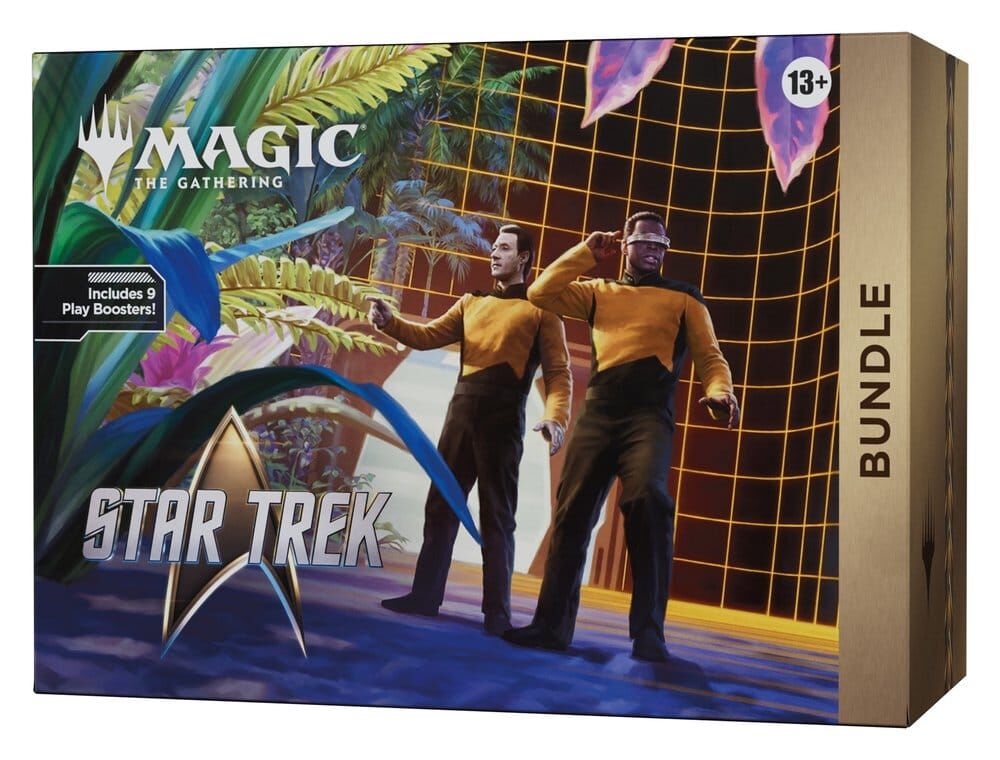
Magic: The Gathering Star Trek Bundle - EN Exclusive bundle with Magic: The Gathering Star Trek cards and accessories for collectors and players. Highlights Includes nine Star Trek Play Boosters with 14 cards each Promo card with alternative art as a traditional foil card 30 land cards including 15 traditional foil cards, 5 of which feature extended art Oversized spindown life counter for comfortable play Handy card storage box in Star Trek design Contents: 9 Magic: The Gathering | Star Trek Play Boosters (14 cards each) 1 promo card (traditional foil card, alternative art) 15 land cards (traditional foil cards, 5 with extended art) 15 regular land cards (5 with extended art) 1 oversized spindown life counter 2 rules reference cards 1 Magic: The Gathering | Star Trek card storage box